Build Vision AI.
Without Coding.
From camera to decision. Train, run, and integrate Vision AI in one visual platform. Without writing code.
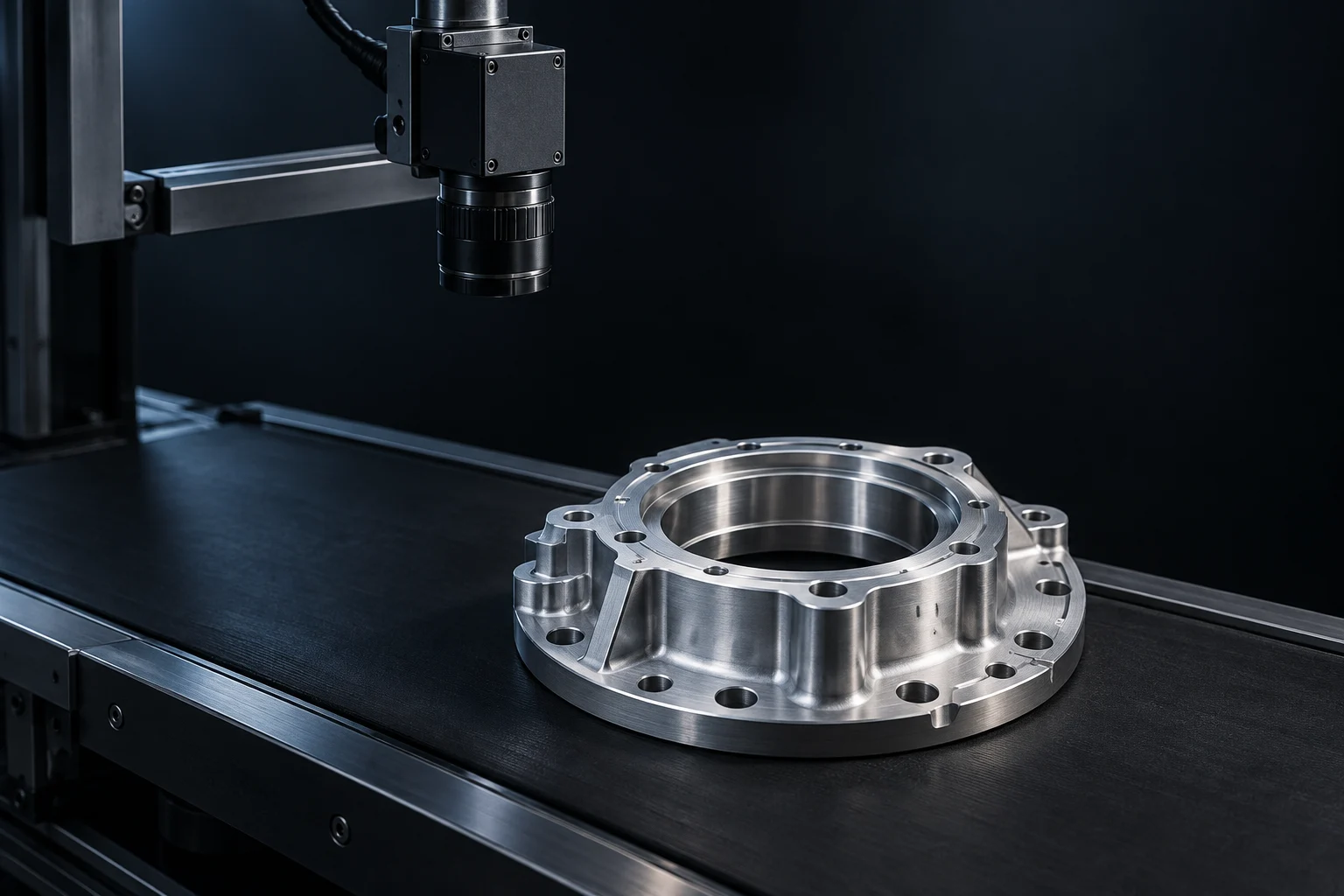
One platform. Many Vision AI missions.
Quality inspection is just the beginning. Give your cameras the ability to detect, read, count, and help your team take action.

Visual Inspection
Inspect component quality, completeness, and position.
Explore capabilityVision AI. Without the complexity.
Your process expertise. The power of AI. One visual workflow from idea to inspection.
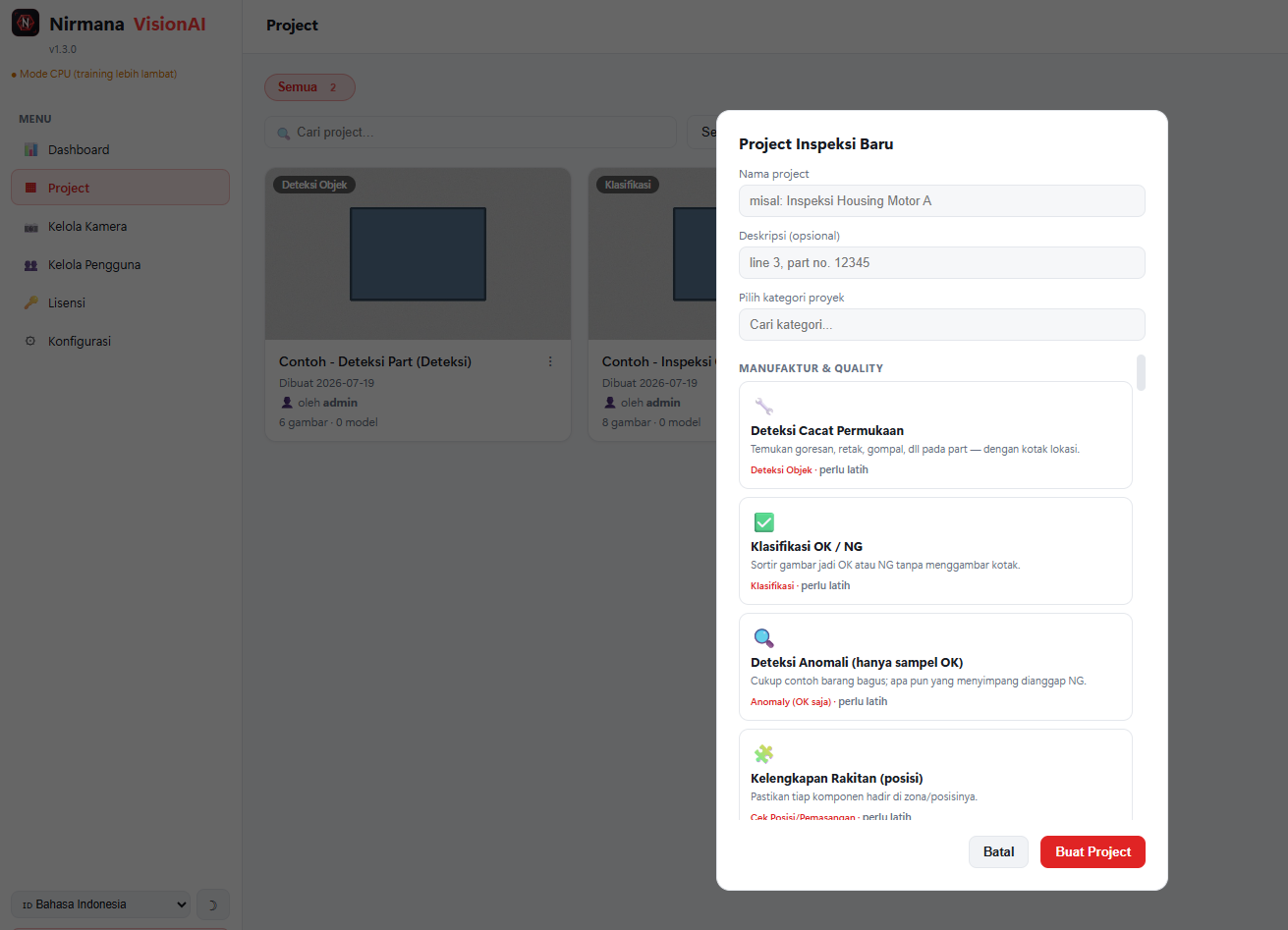
Official v1.3.0 product screenshot · workflow illustration and example data.
Don’t just imagine it. See how it works.
Choose a mission. Run an inspection. See a camera become a decision.
X 1240 : Y 0680Frontend demo. All results, confidence values, and timings are simulated; not performance measurements.
Detection is the beginning. You define the action.
Click the connectors between nodes. Set a condition, then run your flow.
Camera
AI Engine
Rule Engine
Action
HTTP / WEBHOOK · SIMULATEDConnect all 3 connectors to activate the flow.
SIMULATION · Not connected to cameras, PLCs, or external systems.
AI that sees. Rules that act.
Connect inspection results to the systems running your operations.
USB / Webcam
LOCAL SOURCEIP Camera / CCTV
RTSP STREAMNirmana VisionAI
PLC
MODBUS TCPMES / ERP / API
HTTP / WEBHOOKCamera compatibility, register mapping, and integration payloads require validation for each implementation.
Explore integrationsWhere precision is essential.
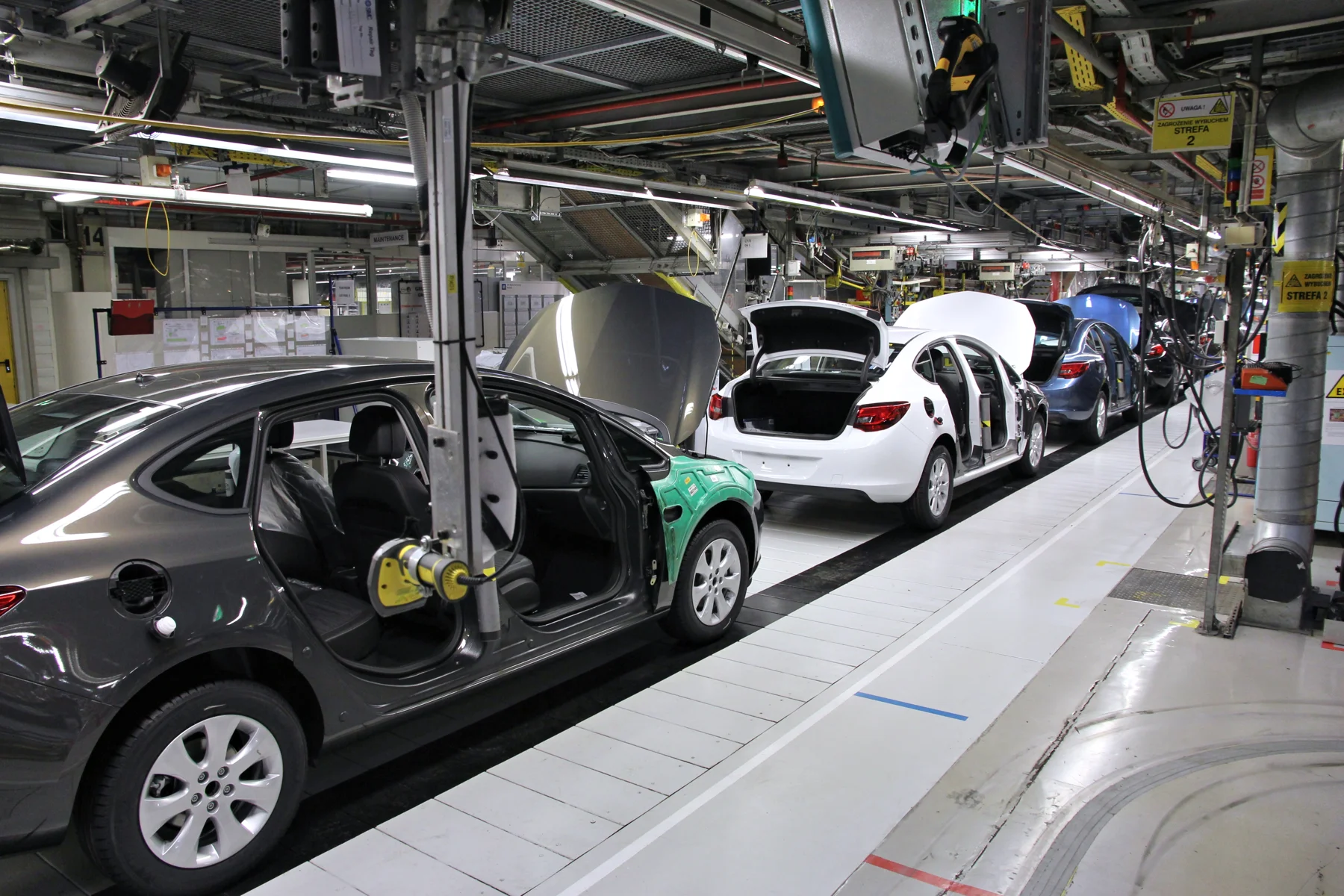
Automotive & Components
Assembly completeness. Component quality.
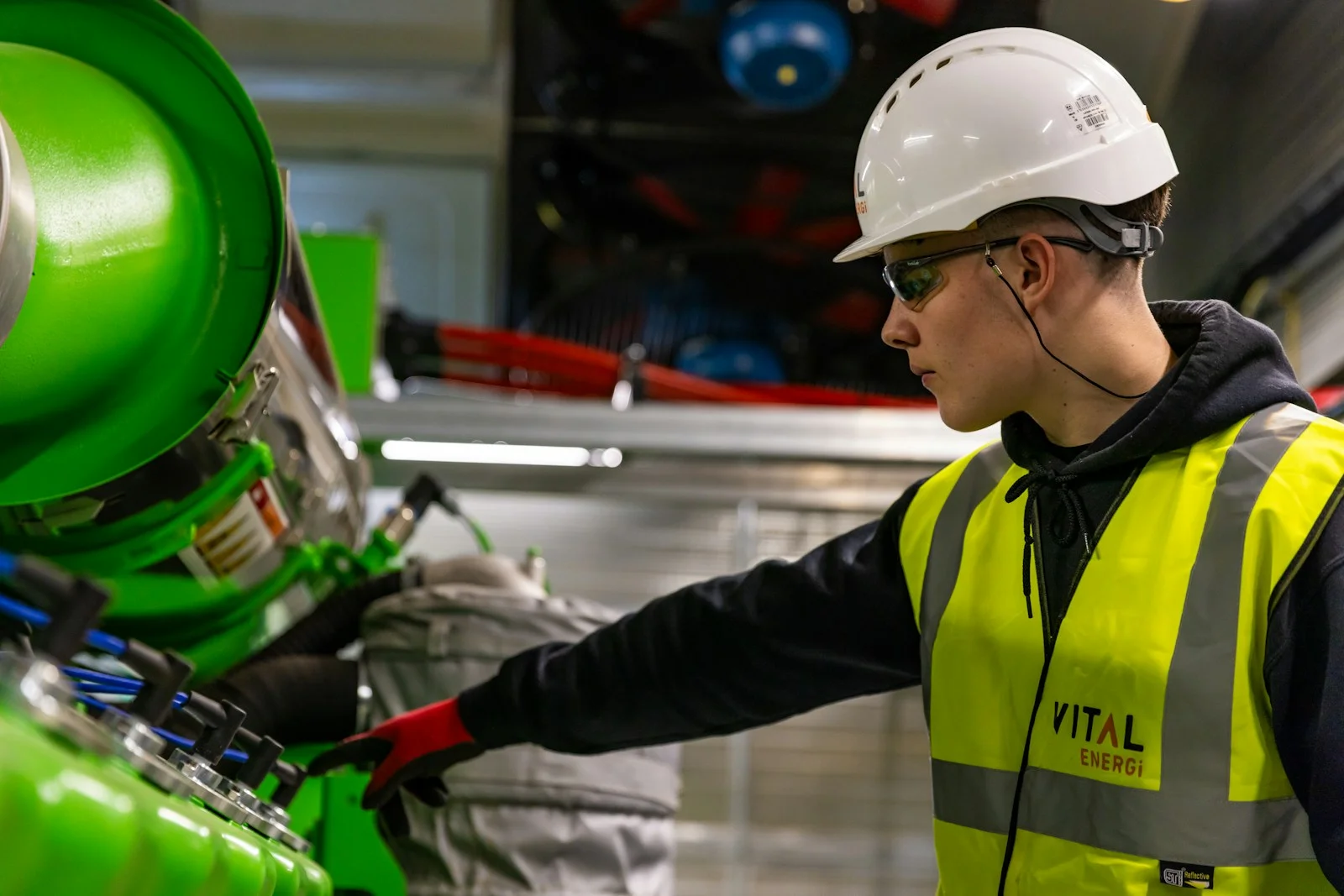
People. Protected.
Visual monitoring for HSE teams.
AI intelligence. On your premises.
Run image processing locally on a suitable PC, server, or edge device. Control your data flow and integrations.
Deployment optionsInternet is required for activation and periodic license verification.
Windows x64
Linux x86_64
NVIDIA Jetson
Do I need to know how to code?
Nirmana’s core workflow is visual: projects, datasets, annotation, training, inspection, rules, and integration. Camera setup and systems integration still require process knowledge and technical validation.
Which cameras can I use?
Documented sources include USB/webcams and IP cameras/CCTV with RTSP. Industrial cameras require verification of drivers and stream access; do not assume universal compatibility.
Does data have to be sent to the cloud?
Nirmana supports local/on-premise processing. Packages are available for Windows x64, Linux x86_64, and NVIDIA Jetson aarch64. Internet is required for activation and periodic license verification.
How is free mode different from a trial?
Without a license, Nirmana runs in a limited mode with one camera. Full-feature trials require an approved request and are time-limited. Trial activation is not automatic.
Can I connect PLC, MES, or ERP systems?
Documented integrations are Modbus TCP and HTTP/webhooks. All editions include PLC/API integration. Register mapping, payloads, and system workflows need engineering validation.
How accurate and fast is it?
Results depend on datasets, models, resolution, lighting, camera count, and hardware. Test representative data to establish feasibility. Website demo numbers are simulated, not product specifications.
Your camera can do more.
Build your Vision AI. Connect it to the real world.